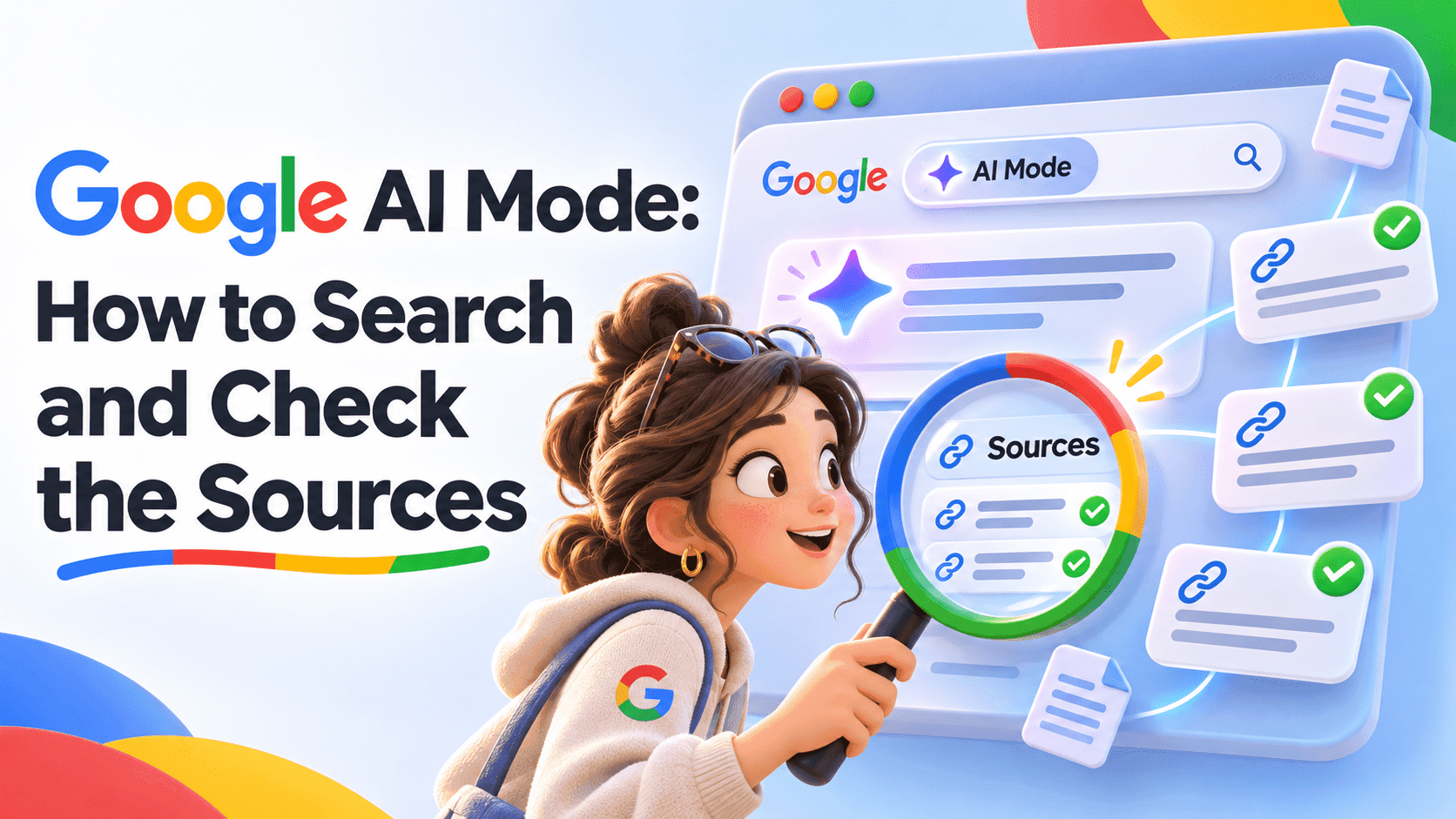
Google AI Mode lets you ask a search question, explore an AI-generated response and keep going with follow-up questions and web links. It's useful for getting oriented, but you still need to inspect the sources behind important details. Here's a practical guide checked on November 6, 2026, including Google's October changes to how those links appear.
What is Google AI Mode?
AI Mode is Google's conversational search experience for deeper questions and follow-ups. Google's current help page says it can divide a question into subtopics and search them, then provide an answer with links to the web. It also warns that responses can contain mistakes.
We'd use it as a route into the evidence. Ask for an overview, find the claims that affect your decision and open the relevant pages. A well-organized answer is useful, but its confidence and formatting aren't substitutes for checking the information.
How is it different from an AI Overview?
Google describes AI Overviews as quick snapshots of a topic, while AI Mode is designed for deeper exploration with follow-up questions. Its AI in Search overview presents both as search features powered by Gemini models.
That gives you a simple way to choose. If a snapshot answers your question and you can verify the important detail, you may be done. If you're still comparing options or sorting out qualifications, a follow-up can make the next search more specific.
Don't turn every straightforward lookup into a long conversation. When you need a named organization's opening time, policy or form, opening that organization's page may be the most direct next step. Keep the task in view rather than adding prompts simply because the interface allows them.
What changed in October 2026?
Google's October 15 announcement says it increased inline links and began showing them higher in responses more frequently. It also describes tests for a dedicated official-page section and clickable creator profiles, plus wider rollout of timely-article carousels.
Pay attention to those different rollout words. A feature described as a test may not appear in your account, and an announced design isn't a guarantee that every query gets it. The useful change for readers is the opportunity to reach supporting pages more directly.
We wouldn't interpret a prominent link as a certification that the entire response is correct. Open the page and check the particular claim. A source can be authoritative about its own product and still be offering a promotional description of how well it works.
How do you ask a better first question?
Name the decision you're trying to make. Give relevant constraints, specify the location or time period when it matters, and explain what a useful answer should contain.
For example, try this original prompt: I'm comparing ways to organize a small volunteer event. Outline the practical questions I need to answer, separate fixed requirements from choices, and link to original sources for any rules you mention.
The point is to ask for a useful structure without asking the model to pretend it knows your missing details. If the answer assumes an event size or budget, correct that before following its recommendations. An explicit unknown is more useful than a polished assumption.
Which follow-ups help you verify the answer?
Ask about the part that remains uncertain. Use that moment to narrow the search instead of repeating it.
Which statement in that answer comes directly from the linked source?
What information is missing before I can compare these options fairly?
Find the original announcement rather than another summary of it.
Does the date describe publication, an event or the period being measured?
These are suggested research prompts, not guaranteed commands. After a follow-up, read the supporting material yourself. A second AI answer shouldn't become the sole verification of the first.
How can you check a result without reading everything?
Start with the claim that would change what you do. Open its source, inspect the relevant passage and check the surrounding conditions. Work outward from that decisive detail rather than treating every sentence as equally important.
We'd record the source title, link, date and a short note about what it supports. For a comparison, check that all options use the same geography, time period and definition. If one number includes fees and another doesn't, a clean table can conceal an unfair comparison.
When sources disagree, preserve the disagreement until you understand it. It may reflect an old announcement, a regional variation or a real unresolved question. Don't average incompatible facts into a new claim neither source made.
Should you join Search Labs?
Google describes Labs as a way to get early access to experimental AI Mode capabilities. It isn't the same thing as saying every user must join Labs to access the main experience.
Check the current availability and account instructions if you don't see the option. The help page warns that settings are changing and may differ from your interface. We'd avoid relying on an old screenshot as a universal map of the current product.
What is the most useful way to use it?
Use AI Mode to form a better question and find evidence you can inspect. Stop when you have enough verified information for the task, rather than continuing until the answer merely sounds reassuring.
For the broader choice of assistants, see our chatbot comparison. Our Google page collects the company's coverage separately. This guide is about searching and verification, not a hands-on accuracy benchmark.
Frequently asked questions
Can AI Mode be wrong?
Yes. Google's help explicitly warns that responses can contain mistakes. Read supporting sources before relying on a consequential detail.
Do all users see the same October features?
Google described some changes as tests and others as rollouts. An announcement doesn't establish that every account and query already has the same interface.
Can you ask with images or files?
Current help lists image and file inputs alongside text and voice. Check the controls available in your own interface and use material you're allowed to provide.
Does this replace the need to open websites?
We'd keep opening original pages for important details. The response helps you navigate the topic; the underlying evidence lets you judge the claim.