Claude Artifacts let you turn a conversation into a document, deck, design or other reusable piece of work that you can edit and share. The important part is giving it a clear job and checking what recipients can actually open. This guide follows Anthropic's current documentation as of November 6, 2026, including the differences from older tutorials built around a Publish button.
What are Claude Artifacts?
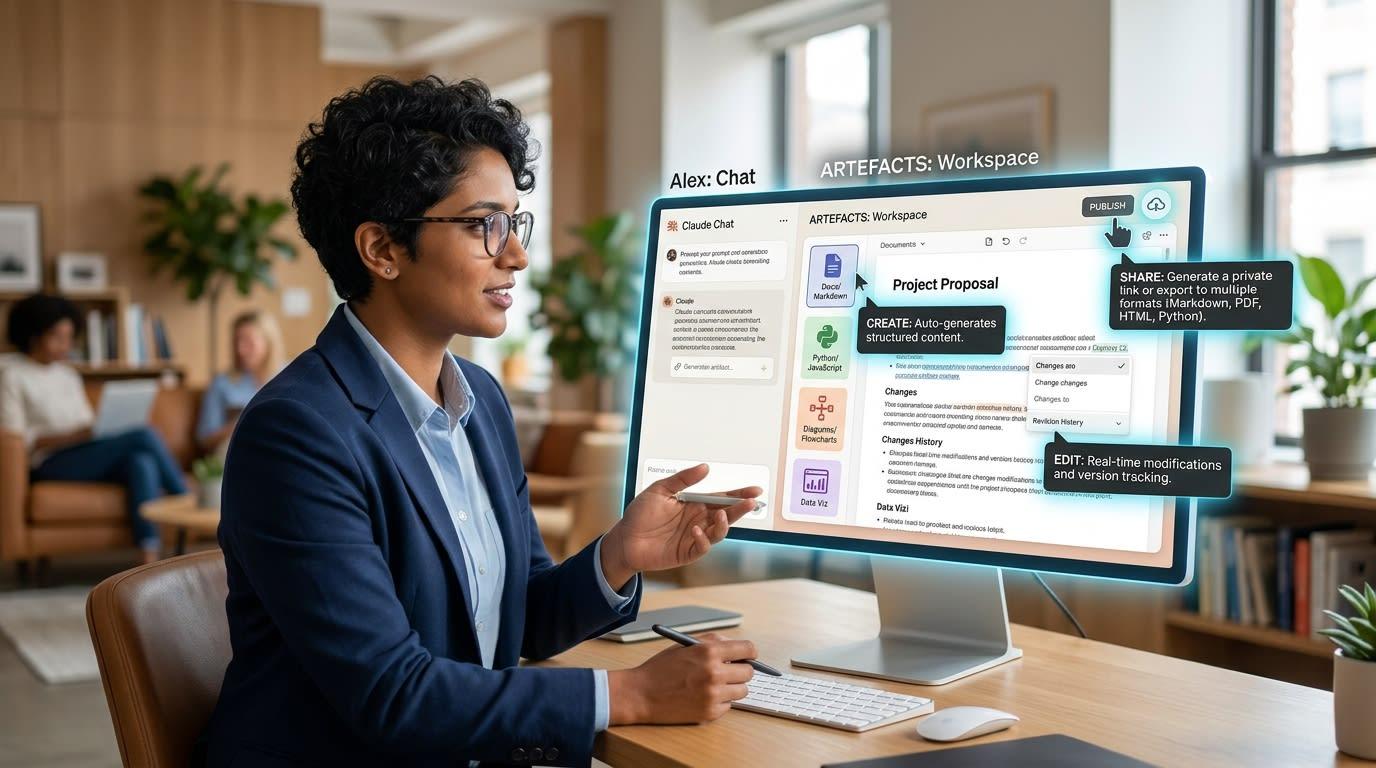
An artifact is a separate piece of work that opens beside your conversation and can be revisited or shared. Anthropic's current overview includes documents, slides, designs, dashboards and small interactive tools, with availability depending on the type and plan.
The distinction is useful when you're deciding what to ask for. A chat answer can explain an idea; an artifact gives that idea a form you intend to use. Be explicit about whether you want an editable page, a presentation or a file to take into another application.
How do you get a useful first version?
Begin by naming the deliverable. Then identify the audience, purpose, source material and constraints before asking for visual polish.
Here's an original example brief you can adapt: Create a short project update for colleagues who haven't followed the discussion. Use only the attached notes. Separate completed work, open decisions and next steps. Mark missing dates as unknown, and ask before inventing a number.
If you want a deck, name that format too. If you need a document your group will revise together, say so. Anthropic's Academy tutorial recommends giving audience and purpose, showing examples and supplying relevant files or conversation context.
We'd also say what the deliverable must not imply. For instance, an internal proposal shouldn't sound like an approved commitment simply because the layout looks finished. Keep the status visible in the title or opening paragraph.
Which format should you choose?
Choose the format around the reader's next action. Current documentation offers Docs, Slides and Design on all plans; paid plans add Dashboard beta access, while Motion beta is listed for Team and Enterprise.
Your task | Our suggested starting point | What to check |
|---|---|---|
Explain a proposal for discussion | A document | Assumptions, source links and open decisions |
Present a short update live | A slide deck | Reading order, legibility and presenter notes you need |
Explore a page or visual idea | A design | Audience, content hierarchy and what is only a mockup |
These are editorial starting points, not promises that a particular template will solve the task automatically. If the first format is wrong, correct that early. Refining the wrong kind of deliverable can take longer than stating the intended use again.
How do you revise without losing the original brief?
Make a small, specific request and review the result before adding another large change. The Academy tutorial distinguishes direct edits, comments on a particular part and requests in the conversation for broader changes.
Say what should stay the same. A revision such as Shorten the opening, keep the dates and source links, and leave the decision list in the same order is easier to review than a request to make everything better.
After a revision, check the actual meaning as well as the appearance. Did a possibility become a commitment? Did a caveat disappear when a paragraph became a slide? Did a shortened chart title lose its time period? Those are review questions we'd apply before sending any AI-assisted work.
Who can open a shared artifact?
It depends on the sharing option, plan, organization settings and artifact type. Anthropic's sharing guide says artifacts start private and describes view, commenter and edit access. Team and Enterprise external sharing can also depend on an owner setting.
Don't assume a copied URL means everyone can use every feature. Most artifacts shared with anyone who has the link can be opened without signing in, but Docs require sign-in. Connected-app or Claude-powered portions can have additional limits for outside viewers.
For connected content, the documentation says viewers use their own app connections. An attractive dashboard can therefore behave differently for a colleague who doesn't have access to the underlying source. Review it from the recipient's situation rather than assuming your own access carries over.
Why do older tutorials show a Publish button?
Current documentation calls artifacts made in a chat before September 16, 2026, legacy artifacts. They continue to work, but their publishing and sharing controls differ from current artifacts.
That explains why a tutorial may describe controls you don't see. Check whether you're editing a legacy artifact, a current template-based artifact or a different output. Use the matching help instead of repeatedly searching for a button from an older interface.
The overview also says artifact creation requires the relevant file-creation capability to be enabled. On a managed account, consult the available organization settings rather than assuming a missing feature is a broken prompt.
What should you review before sharing?
Read the content, check the sources and choose the lowest access level that serves the recipient's job. Ask whether they need to read, comment or edit, then confirm the link and format match that purpose.
Check any stored information too: the sharing guide notes that some artifacts save data other viewers can see. For general assistant selection, our chatbot comparison addresses a separate question. Follow the developer through our Anthropic page.
Frequently asked questions
Are artifacts available on the Free plan?
Current help lists artifact creation and Docs, Slides and Design on Free. Other types and sharing options have separate plan limits, so check the feature you intend to use.
Can you change sharing settings on a phone?
The current sharing guide directs you to the web or Desktop for those settings. Mobile editing availability doesn't mean every sharing control is available there.
Will recipients see the original conversation?
The Academy tutorial says collaborators see the artifact and its comments rather than the original chat. Still review the artifact itself for information copied into the deliverable.
Is a finished-looking artifact ready to publish?
We'd treat appearance and readiness as separate checks. Verify content, behavior and recipient access before using it as final work.